
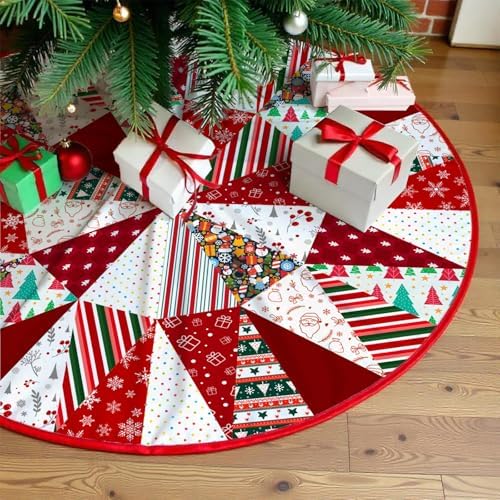
Cropping a face for the bench
Personalisation is ink on a surface, not sorcery. A picture that appears clear on a small phone screen can break down when printed onto a piece. We look at the background, the light source, and the margin around the head before the file goes to the press.
Light falling across the subject
Look at where the light comes from before you send a photo. A face lit from behind turns dark once the ink hits cloth. The backlit phone screen masks this by shining through the file, but a printed piece reflects room light. A shot taken near a window or outdoors under open sky gives the press clear edges to work with. Harsh shadows across the nose or eyes stay dark on the print. If the original photo has deep shadows across one cheek, the cloth will carry those dark blocks too. Good light gives definition to ears, fur, and chin lines.
Separating the subject from the room
A busy room behind a head creates trouble on the press. Couches, patterned wallpaper, and other people turn into visual noise once the picture is reproduced on a textured surface. We need clear definition between the hair or fur and the background to place the subject cleanly on the piece. When the wall behind a dog matches the dog coat, the outline blurs. Pick a shot taken against a plain wall, a clear sky, or an uncluttered floor. That separation lets the subject hold its shape rather than blending into nearby clutter on the finished item.
Room around the head and ears
Leave space around the subject instead of trimming tight against the hair. When a file arrives with the crown of the head or the tips of the ears sliced off, our press cannot rebuild those missing pixels. We need breathing room around the face so the subject does not collide with a hem, a placket, or a seam. Keep the whole head inside the frame. A tight crop made on a phone throws away the context we use to position the artwork. If you leave margin on all four sides, we can place the face cleanly without losing an ear.
Cropping in versus shooting close
Taking a photo from across the room and cropping in tight ruins the detail. Digital zoom throws away information, leaving soft edges and blocky patches that the press cannot sharpen. A photo taken close to the subject keeps whiskers, eyelashes, and texture clear. Sending a file through a messaging app compresses the data further, stripping out fine lines. Send the original image straight from the camera roll instead. The press reproduces what the file contains. If the starting data is soft and muddy, the resulting print on cloth or metal will show that same blur.
What happens inside a collage
Adding more faces into one print shrinks every single picture. A collage splits the available surface into small tiles, and tiny faces lose the details that make them recognisable. Features blur together when squeezed down to the size of a coin. On woven surfaces, small eyes and smiles turn into indistinguishable dots. One clear picture with a single face or pet holds up far better across the width of a piece. If you want several subjects on one item, pick a wider surface where each face can remain large enough to retain its features.
Short version
- Our catalogue holds 552 pieces sorted by the surface we print on.
- The catalogue spans 14 sections organized by printable material.
- A phone screen backlit by diodes hides dark shadows that appear on printed cloth.
- Digital zoom removes pixel information that our press cannot rebuild during printing.
- Chat applications compress photo files and discard fine detail needed for reproduction.
Preparing your file for printing
Pick a bright photo with a simple background behind the head. Leave room around the ears and hair, and send the original camera file without running it through a messaging app. Clear source files produce clean lines on the press.
From this section
Pieces this note is about
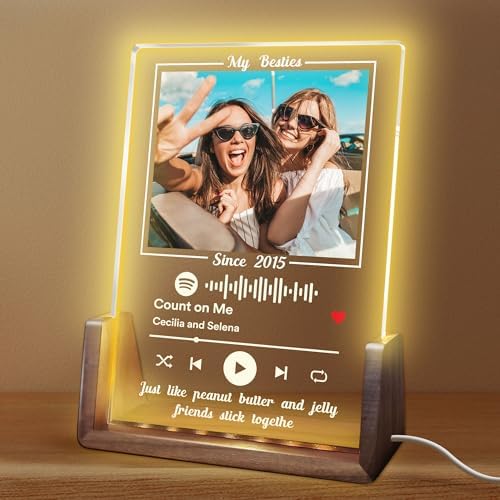
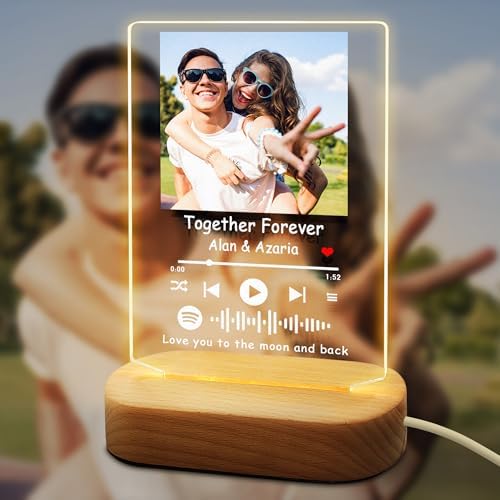
Keepsakes & Decor holds 39 pieces. These four get ordered most.

Keep reading
Other notes from the bench
Bench notes
Why the surface decides the print
We sort our catalogue by the material we print on, because cloth, metal, and acrylic treat a photograph differently.
Outdoor notesPrinting outdoor pieces for the yard
Outdoor printing has to work against sunlight, rain and distance.
Metal notesPrinting your artwork onto stainless steel drinkware
Printing on metal is different from printing on cloth.